Polario Features
Sponsors
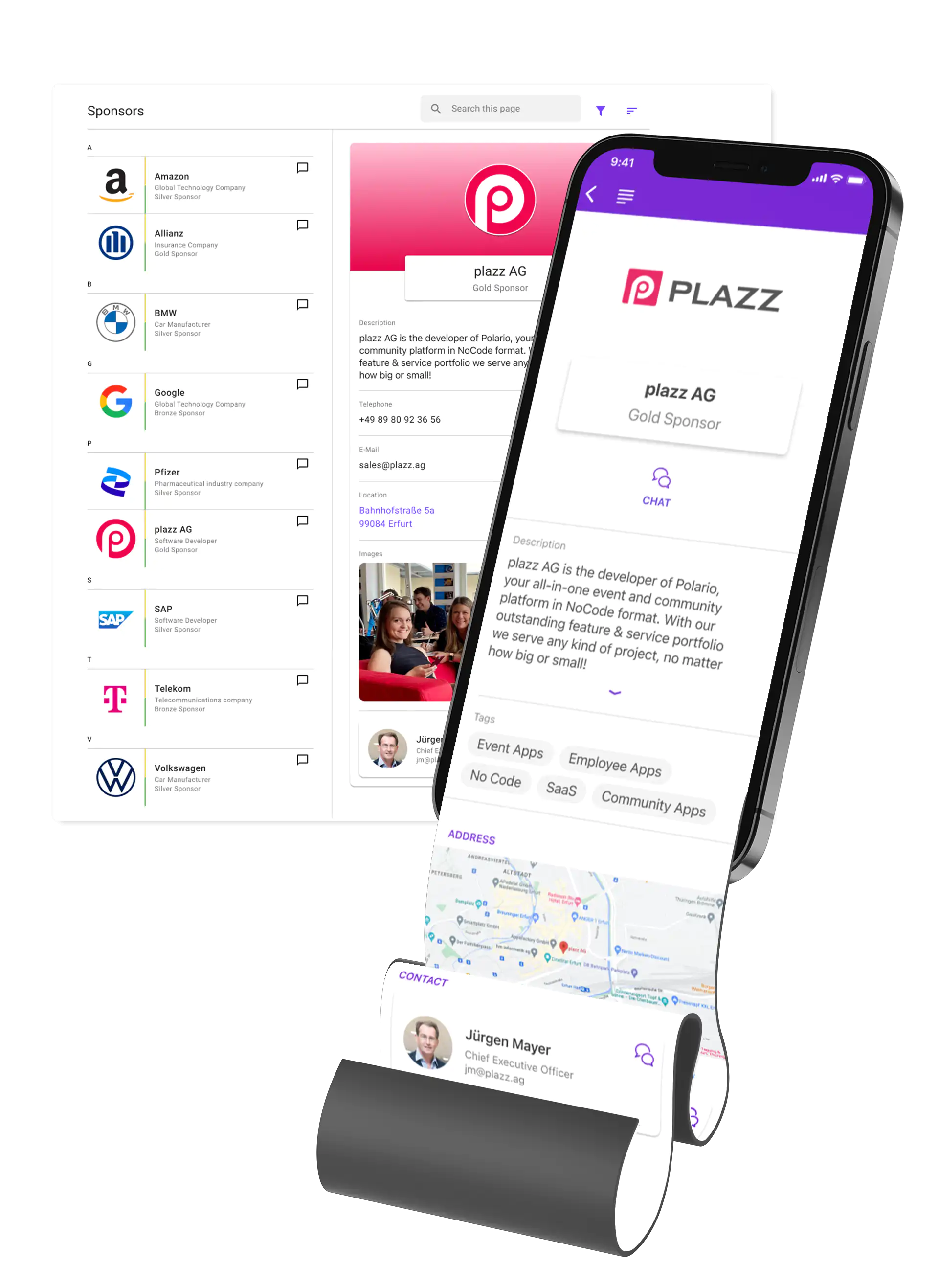
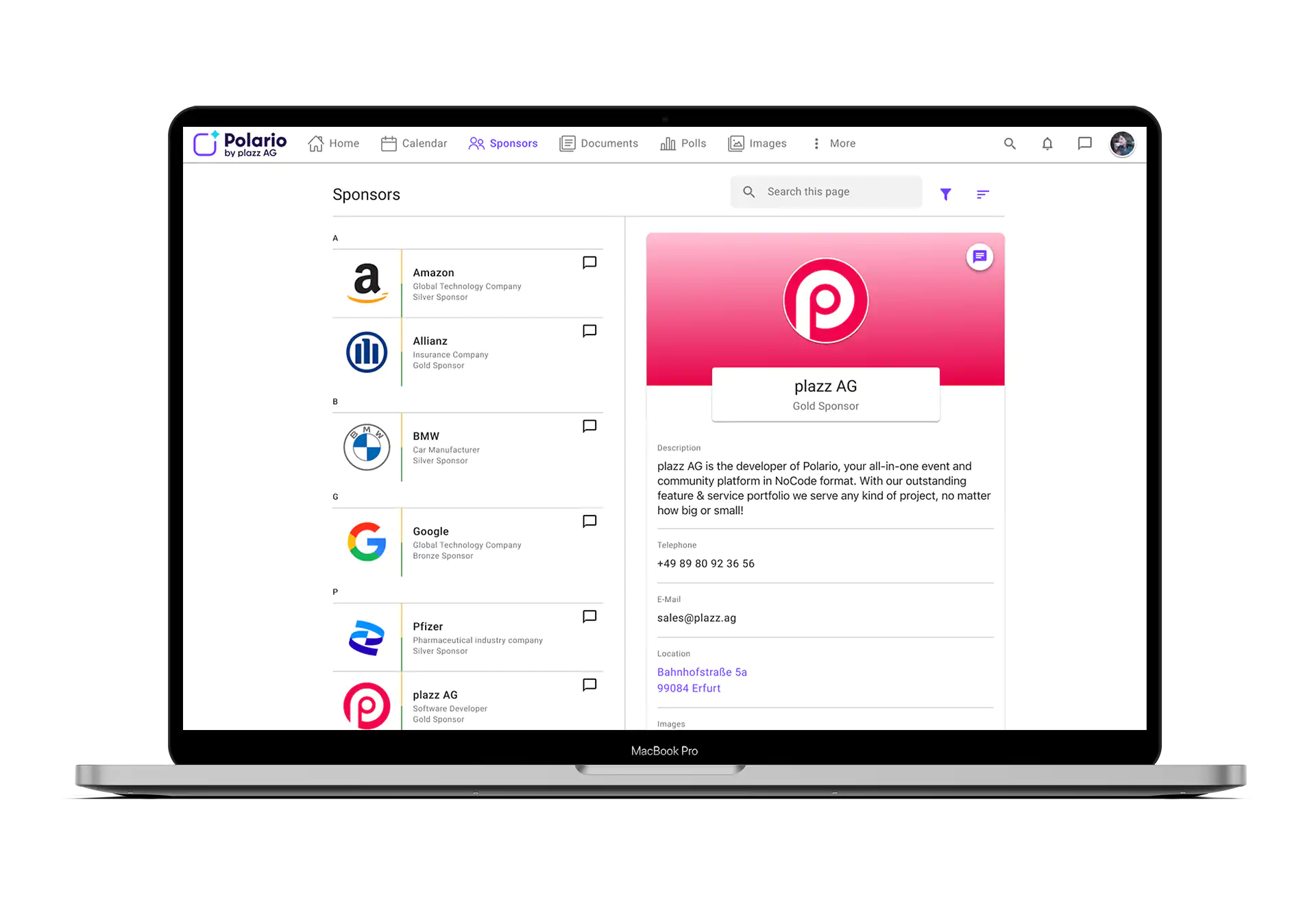
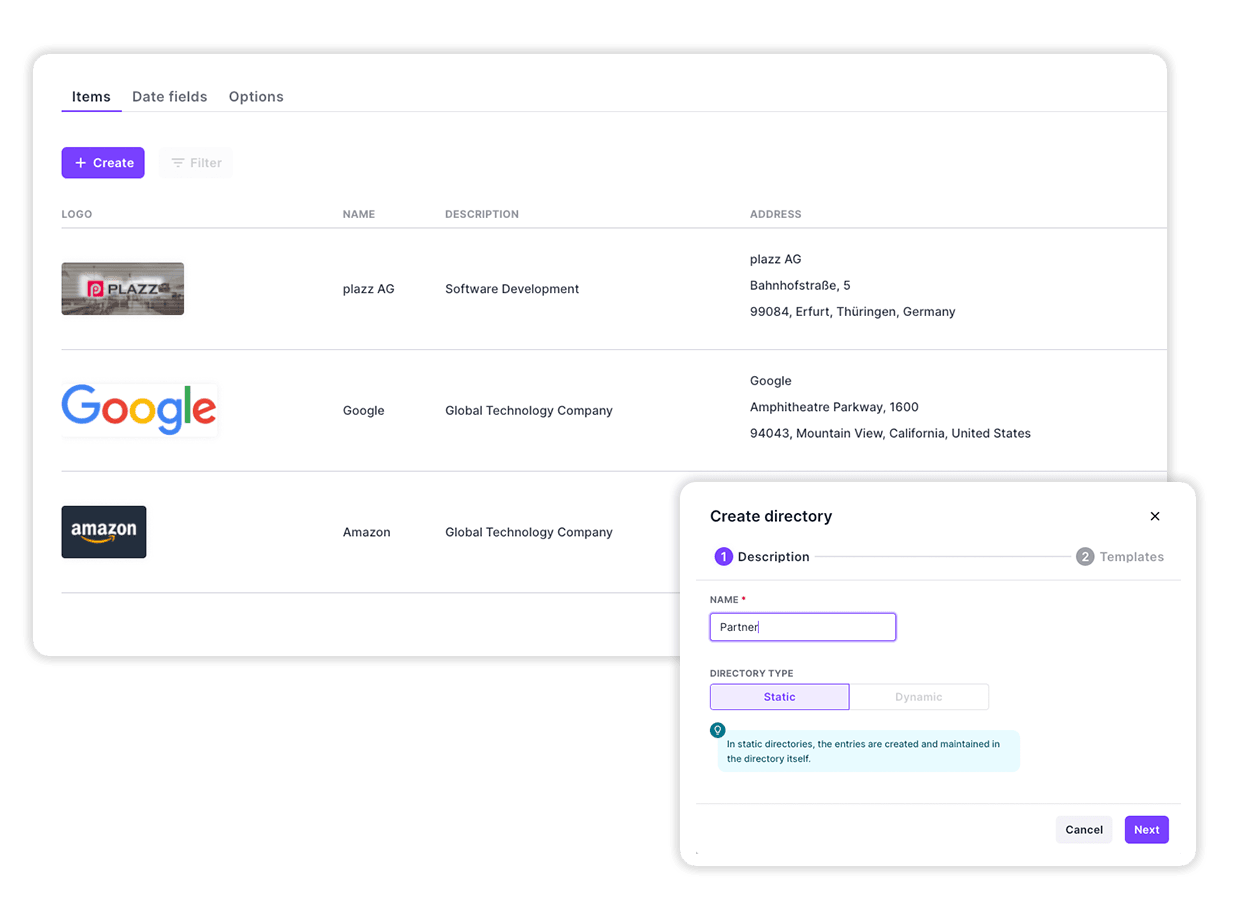
With the sponsor feature, you can show the companies that support your project in a clear overview. The basis for this are our static directories, with which you can map many different contents in a clearly structured way. This is also an excellent way to present exhibitors.
List all the important info about your sponsors via the sponsors feature. Share data about the company and define the level of detail depending on the type of support.
Explain how the sponsor supports you and give more details. For example, standard sponsors would include contact information or contact person and premium sponsors would add images, videos, documents, links and more! The classification is completely in your hand.
Besides the content, the way the sponsor feature is displayed is also up to you. Choose between lists, grids or cards for the view. Via our app menu you can manage different sponsor lists and thus divide them into categories. Or you can create your own page for your sponsors, which can be completely customized.
Also use other features of our NoCode platform to prominently display the companies from the sponsor feature within your app.
So it is possible for you to include graphics from sponsors in the form of advertising in the menu or on pages. Or, of course, textually in agenda appointments, as push messages and in our social feeds.
More Features
You might also be interested in
Provide the ideal entry point to your project, via an impressive dashboard, with all relevant content and links.
With the Polario Hub, you can deploy your app in minutes - without having to publish it yourself...Learn more ->
With the Live stream feature to event highlights: Virtual/hybrid events with live chat, easy integration and unforgettable experience!

Present content interactively with the Virtual Showfloor feature and create virtual or hybrid meeting spaces.
The Channels feature enables easy collaboration and quick sharing within the team.
Automated Certificates of Attendance with Polario: Make personalized PDFs available directly in the event app, download them, or...Learn more ->
Tags allow you to easily organize and sort content for you and the users:inside your platform.
The Social Feed feature centrally bundles topics to inform about them, to encourage and facilitate the exchange among...Learn more ->
Journeys enable time-controlled content, checklists and automated processes for onboarding, events and training in a centralised app.
With the account management you keep the overview, create new users, edit existing profiles and much more!
Follow us on social media to stay informed.
Do you have any questions or suggestions? Contact us!