
Directory feature

Information perfectly organized

Our directory feature offers you the perfect solution for organizing data and user information. Whether you manage fixed content or rely on dynamically updated lists, the tool saves you time and minimizes maintenance effort.

Two directory types for maximum flexibility

The directory feature in Polario adapts flexibly to your needs and offers two smart options: static and dynamic directories. Both approaches ensure maximum overview and seamless organization – without any effort.

Different designs of directories

Static Directories

Dynamic Directories

Flexibility in design

Directories in Polario can be displayed flexibly as a list or grid. Practical templates with frequently used layouts are available, especially for static directories. A variety of data fields such as texts, links, documents or individual selections can be individually tailored to your content.

Different designs of directories

Discover more features

thumbnail - feature - lead scan
Feature – Lead Scan

Capture event contacts using Polario Lead Scan via QR code, add priority and meeting notes, and export your leads as a CSV or Excel file.
Read ->
Thumbnail - mcp server
Feature – MCP

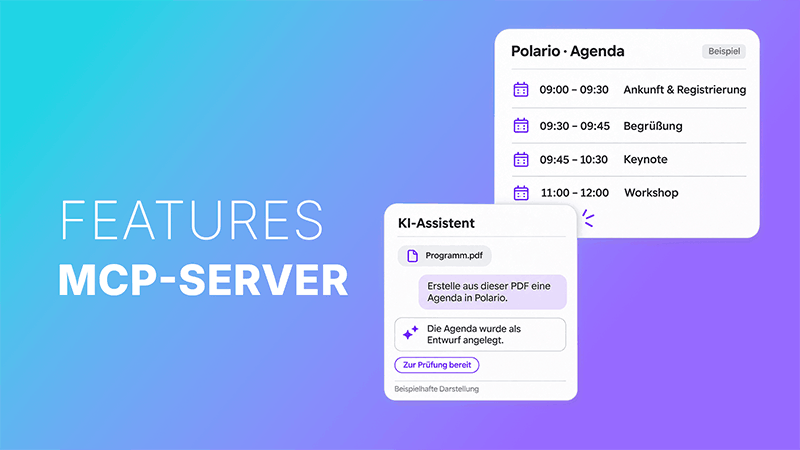
With Polario MCP, you can manage app content using AI: import calendars, create directories, and streamline routine tasks.

Read ->
thumbnail - feature - lead scan
Feature – Lead Scan

Capture event contacts using Polario Lead Scan via QR code, add priority and meeting notes, and export your leads as a CSV or Excel file.

Read ->

Didn't find what you were looking for?

Drop us a quick note telling us what you’re planning.
We’ll get back to you straight away with more details!