Polario Features
People import
People Import provides rapid integration of large and complex data sets, saving significant time and effort. This process is already beneficial for multiple people, especially if the profiles contain a lot of content.
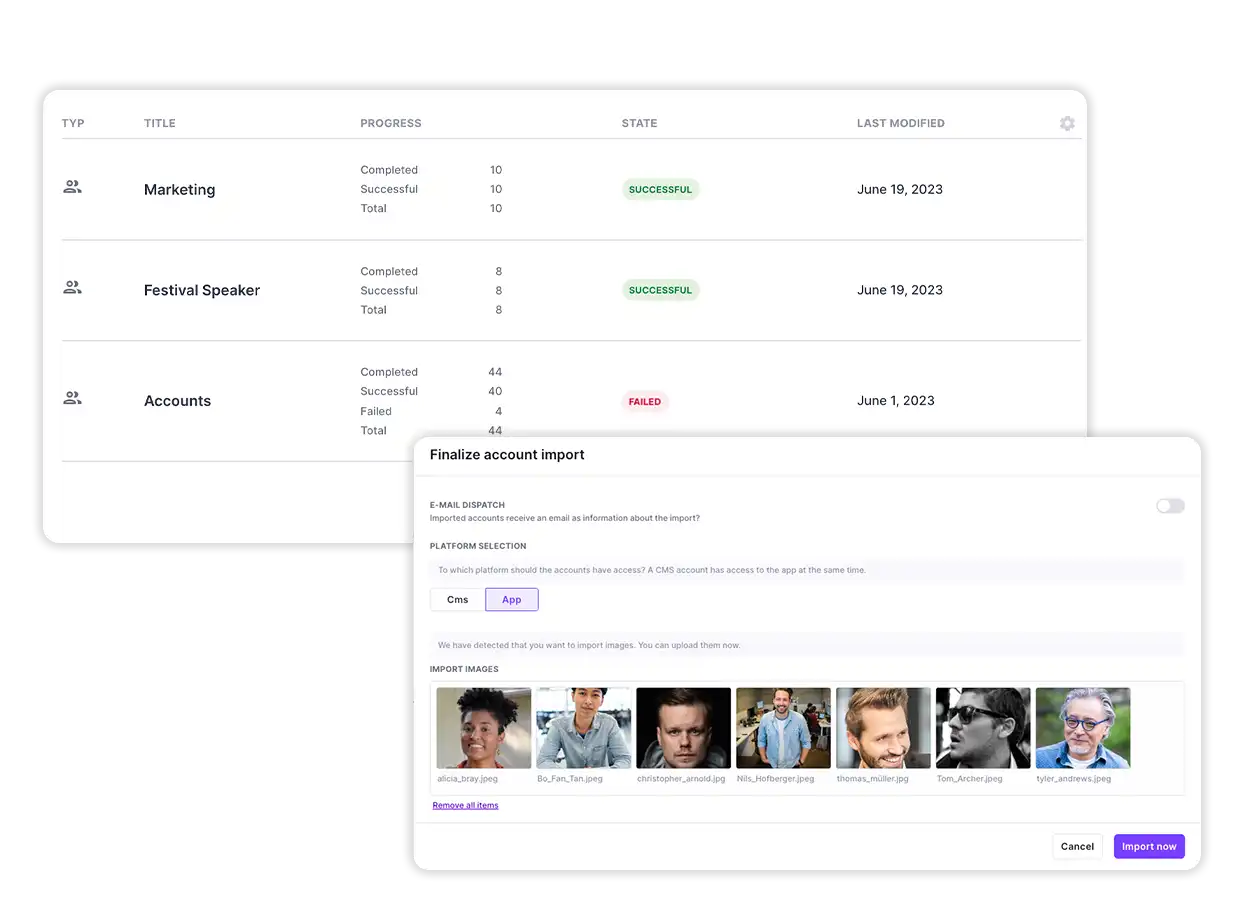
It is a guided import process that allows them to integrate and update collected records of people in Polario. This process is suitable for importing CMS managers, staff, partners, guests at events, speakers, exhibitors, sponsors and so on. It is intended not only for importing information as text, but also for profile pictures.
People Import has automatic error detection, for example, when setting passwords that do not comply with the guidelines or for file names when uploading images. In addition, there is the duplicate check, with which they avoid duplicate entries. In addition, People Import provides you with formatting help, for example, for capitalizing names.
Import is done via a table file, with Excel and CSV templates provided. An assignment of the table columns from the template file is done automatically. Manual assignment is also possible. The transferred data then checked for error detection and duplicates. Here you now have the option of adjusting or deleting the entries yourself.
When you finish importing people, you will be asked if you want to send an e-mail. Here you also specify whether the accesses are intended for the CMS or the app. If you have stored file names for profile pictures, the picture upload will also take place there.
People Import Feature
Quick Facts
Fast integration of large/complex data sets
Easy upload via Excel or CSV template
Import of CMS Managers and App Users
Automatic error & duplicate check
With profile picture import and e-mail dispatch
More Features
You might also be interested in
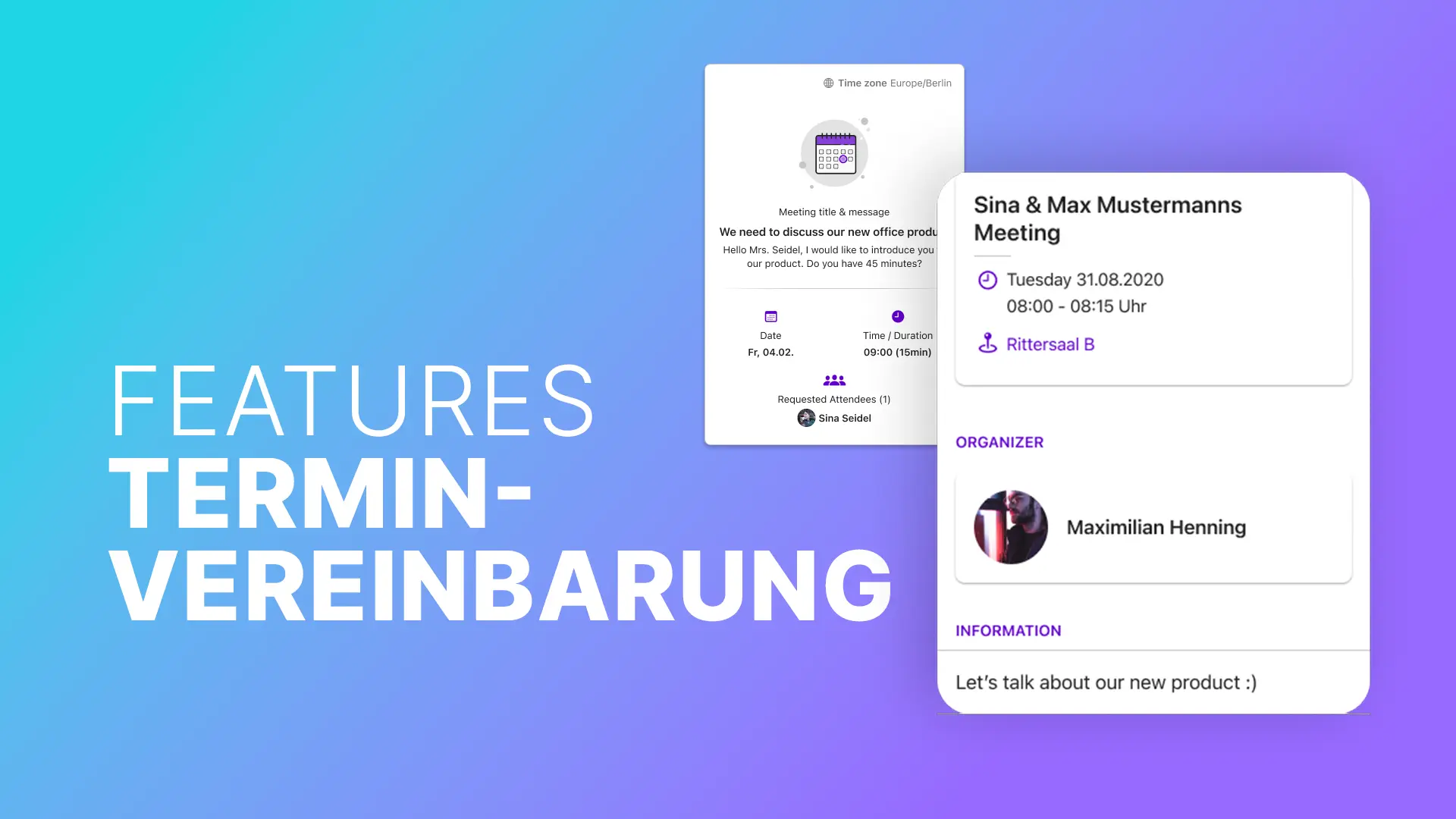
Polario makes scheduling appointments easy: centrally manage slots and plan meetings efficiently – for events, teams, communities and...Learn more ->
Enable easy and fast access to your platform. With login via SAML, oAuth2, or specially created credentials.
Use the notifications feature to share various content with your target group quickly and regardless of location (with...Learn more ->
Keep people on your platform up to date and share information accurately via the news feature.
Discover the languages feature: automatic translations, individual adaptations and flexible language selection - simple and efficient.
Use the Page Feature to create customizable pages that show off the content of your projects in an...Learn more ->
The Social Feed feature centrally bundles topics to inform about them, to encourage and facilitate the exchange among...Learn more ->
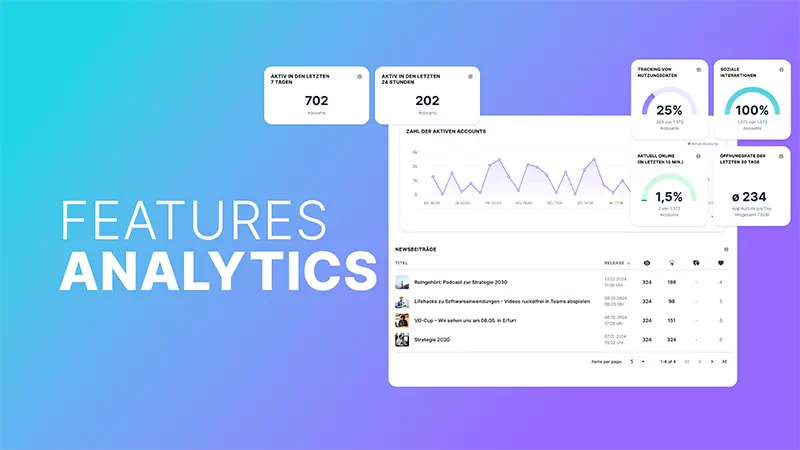
With the analytics feature, you gain valuable insights into your platform and can make data-based decisions.
Through the media library, each person has instant access to all relevant content and file, such as images,...Learn more ->
The map provides everyone with an optimal overview, coupled with digital hints and info on appealingly highlighted elements.

Follow us on social media to stay informed.
Do you have any questions or suggestions? Contact us!