Skip to content


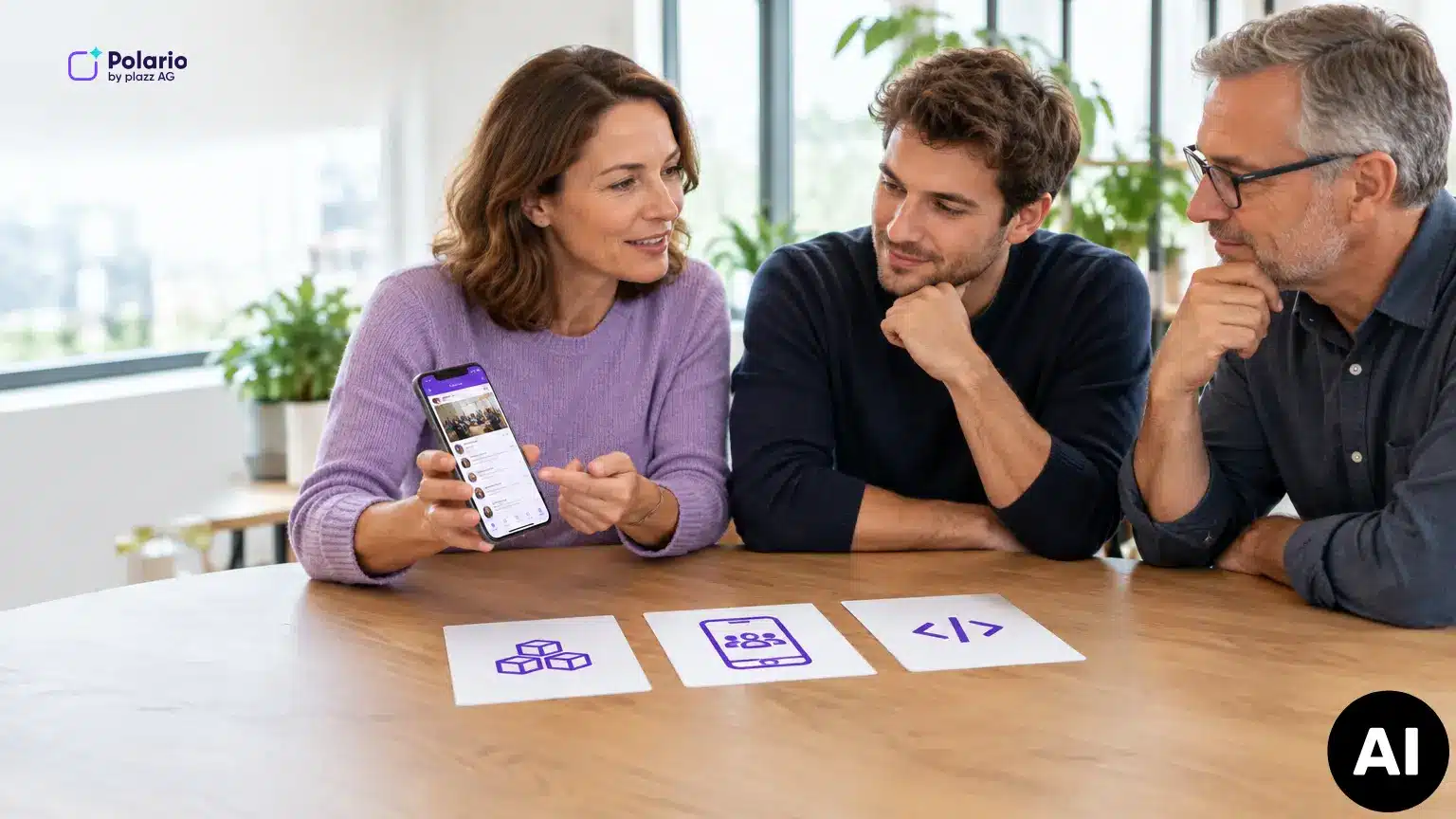

There are three ways to build a community app: with an app builder, as a white-label app or as a custom build. App builders are cheap and fast, but reach their limits on features, branding and data protection. A custom build offers complete freedom, but takes months and needs ongoing maintenance. For most clubs, associations and companies, a white-label app like Polario is the best route: your own brand, ready-made community features, hosting in Germany and a launch within a few weeks.
Whether you run a club, an association, a customer community or a company: if you want to hold a community together, you need a place where members receive news, exchange ideas and sign up for events. Email lists and WhatsApp groups quickly reach their limits here, in terms of overview, data protection and reach. That is why more and more organisations want to build a community app of their own.
The first question is not which features, but which route: build it yourself with an app builder, use a ready-made platform under your own brand, or have it developed from scratch. This article compares the three routes honestly, with costs, time, app store rules and a decision guide.
What is a community app?
A community app is a mobile platform on which the members of a community get information, exchange ideas and connect with each other. Unlike on social networks, the content, member data and rules belong to the organisation itself. Typical use cases are clubs and associations, customer communities, event communities and employee communication.
| Core features | News feed, groups, chat, calendar, member directory, documents, push notifications |
|---|---|
| Platforms | native apps for iOS and Android, usually plus a web app for the browser |
| Routes to your own app | app builder, white-label app, custom build |
| Time to launch | a few days (app builder) to several months (custom build) |
| Store fees | Apple 99 US dollars per year, Google Play a one-off 25 US dollars |
| Legal framework | GDPR, with a data processing agreement under Art. 28 GDPR if a provider processes member data |
Option 1: build a community app with an app builder
An app builder is an online editor that lets you put an app together from templates and ready-made modules, without any programming skills. It is the fastest and cheapest way to get started.
- Advantages: low entry costs, often a free trial plan, first results within a few days.
- Limits: community features such as groups with permissions, a member directory or event registration are often missing or only basic.
- Branding: on cheaper plans the provider is often visible, and your own store app usually costs extra.
- Data protection: always check the hosting location and data processing agreement, as many app builders are based outside the EU.
Best for: prototypes, small groups and projects where data protection and integration play no major role.
Option 2: build a community app as a white-label app
A white-label app is a ready-made, proven platform that a provider develops, operates and continuously updates. You use it under your own name, logo and design and manage the content yourself via a CMS. So you get your own app without writing a single line of code.
- Advantages: full community features from day one, your own brand, updates and maintenance included, predictable costs per user.
- Security: reputable providers disclose their hosting, certifications and data processing agreement. Polario, for example, is certified to ISO 27001 and runs in the Google Cloud region Frankfurt.
- Limits: very specific features that no other customer needs are not always possible. Good providers offer SaaS+ for this, meaning the standard product plus individual extensions, and open interfaces.
Best for: clubs, associations and companies that want a professional start without an in-house development team. Which providers are available is shown in our comparison of community app providers.
Option 3: have a community app custom-built
With a custom build, your own team or an agency programs the app from scratch. You decide every detail, but you also bear full responsibility for operation, security and further development.
- Advantages: maximum freedom in features and design, and the source code and platform belong to you.
- Effort: several months until launch, plus backend, servers, admin interface, push service and security testing.
- Running costs: every new iOS and Android version requires adjustments. Without a fixed maintenance budget, the app quickly becomes outdated.
Best for: organisations for which the app itself is the core product and which can fund a development team in the long term.
App builder, white label or custom build compared
The most important criteria at a glance. The assessment is based on typical offers; individual providers may differ.
| Criterion | App builder | White-label app | Custom build |
|---|---|---|---|
| Time to launch | days to a few weeks | usually 4 to 8 weeks | several months |
| Cost | low monthly fee | licence per user, predictable | high project and running costs |
| Your own brand | limited, provider often visible | your name, icon and design | complete design freedom |
| Community features | basic features | feed, groups, chat, events, directory, push, permissions | whatever you have built |
| Maintenance and updates | by the provider | by the provider, included | your job, permanently |
| Data protection | varies, check hosting location | verifiable: hosting in Germany, ISO 27001, DPA | in your hands, but demanding |
| In-house developers needed | no | no | yes |

See what your community app could look like
Interactive demo, no sign-up, in 2 minutes.
How much does it cost to build a community app?
Costs depend less on the idea than on the route you choose. Always calculate the total cost over several years, not just the launch.
- App builder: low monthly fees; plans become more expensive for your own store apps and more users.
- White-label app: a licence per user per month, depending on modules. According to its product data, Polario starts from €1.90 per user per month, with the price per user falling as user numbers grow. Operation, updates and support are included.
- Custom build: depending on scope, the first version quickly runs to five or six figures, plus annual costs for hosting, maintenance and new operating system versions.
- Store fees: for an app under your own name, the Apple Developer Program costs 99 US dollars per year and Google Play a one-off 25 US dollars.
Good to know: the biggest cost factor is rarely the technology, but looking after the content and the community. Plan time for editing and moderation, whichever route you choose.
Your own app in the App Store: what you need to know
Many organisations want their community app to appear under their own name in the App Store and on Google Play. One important rule applies: under guideline 4.2.6 of the App Store Review Guidelines, Apple rejects apps created from templates or app generators unless they are submitted directly by the provider of the content. For you, this means: your own store app generally requires your own developer account.
However, Apple also allows template providers to offer a single aggregated app in which several customer communities run as separate areas. With Polario, you therefore have three routes, which you can also combine:
- Your own app (custom app): your app with its own name and icon, published via your developer account.
- Polario Hub: your community as a separate area in an existing app. No developer account, no store review, start immediately. More in the article Polario Hub.
- Web app: access directly in the browser, ideal for members who do not want to install anything.
Decision guide: which route suits you?
In most cases, three questions lead to the right answer. If the app itself is your product, a custom build is worthwhile. If you only want to test an idea with a small group, an app builder is enough. If you need a professional app under your brand, with data protection and support, but without a development team, white label is the right route.

How to build a community app with Polario in 6 steps
This is how introducing a white-label app works in practice. Most organisations launch after four to eight weeks.
Who do you want to reach: members, customers, employees or event guests? And how will you measure success, for example by active users or event attendance? These answers determine features and structure.
Map your organisation in groups: regions, departments, board, volunteers. With roles and permissions you decide who sees what and who may publish.
Logo, colours, app icon and name make the app your app. In the no-code CMS, you put together the home screen and menu by drag and drop.
Start with the news feed, calendar, member directory and documents. A few weeks of content prepared in advance ensure the app does not look empty at launch.
Your own app in the stores via your developer account, as an area in the Polario Hub without a store account, or as a web app. All three routes can be combined.
Invite people by email, access code or SSO login, then post content and push notifications regularly. With analytics you can see what resonates and adjust accordingly.
A detailed schedule can be found in the article Introduce an employee app in 4 weeks. How to build an active member community afterwards is explained in How associations and clubs build an active member community.
Checklist: 8 questions to ask every provider
Whether app builder or white label: clarify these questions before signing a contract.
- HostingWhere is the data stored, in Germany or the EU?
- DPAIs there a data processing agreement under Art. 28 GDPR?
- CertificationIs the provider certified, for example to ISO 27001?
- Own brandDoes the app appear under your name and icon?
- FeaturesAre there groups, permissions, chat, events and push?
- InterfacesSSO, REST API and connection to your member management?
- CostsHow do prices develop as the community grows?
- SupportWho helps at launch and in day-to-day use?
Conclusion
Building a community app is no longer a major project. App builders are suitable for quick tests, but reach their limits on features, branding and data protection. A custom build only pays off if the app is your core product and you can fund a development team in the long term. For most clubs, associations and companies, a white-label app is the best route: your own brand, all the important community features, hosting in Germany and a launch within a few weeks, without a single line of code.
Frequently asked questions about building a community app
What is a community app?
A community app is a mobile platform on which the members of a community get information, exchange ideas and connect with each other. Typical features are a news feed, groups, chat, an event calendar, a member directory and push notifications. It is used by clubs, associations, companies, customer communities and event communities.
How do I build my own community app?
There are three routes: you build the app yourself with an app builder, you use a ready-made white-label platform under your own brand, or you have the app custom-built. For most clubs, associations and companies, a white-label app offers the best balance of speed, cost, features and data protection.
How much does it cost to build a community app?
That depends on the route. App builders start with low monthly fees. White-label platforms usually charge per user, Polario for example from €1.90 per user per month. Depending on scope, a custom build quickly runs to five or six figures, plus ongoing maintenance. For your own app in the stores, add 99 US dollars per year for Apple and a one-off 25 US dollars for Google Play.
What is the best app to build a community for free?
For first tests, app builders and community platforms offer free plans. These are usually limited in the number of users, features and branding, and show the provider’s logo. For a lasting community with data protection requirements, you should expect ongoing costs.
What is a white-label app?
A white-label app is ready-made software that a provider develops, operates and updates, and that you use under your own name, logo and design. This gives you your own app without having to program it. You manage the content and structure yourself via a CMS.
How long does it take to build a community app?
With an app builder, a few days to weeks are possible. A white-label app like Polario is usually ready to launch in four to eight weeks, including design, content and store publication. A custom build usually takes several months.
Do I need my own developer account for the app stores?
Only if the app is to appear under your name as a separate listing in the App Store and on Google Play. Under guideline 4.2.6, Apple requires apps created from templates to be submitted by the content provider itself. Alternatively, your community can run as a separate area in an existing aggregated app such as the Polario Hub, or as a web app in the browser, without an account of your own.
Sources
- Apple: App Store Review Guidelines, guideline 4.2.6
- Apple: Apple Developer Program, enrolment and fee
- Google: Get started with Play Console
- EUR-Lex: General Data Protection Regulation (EU) 2016/679, Art. 28
- Polario facts: product data, security and pricing
Note: Prices and store fees are as of 24/11/2026 and may change. The assessment of the three routes is plazz AG’s own evaluation.
Build your own community app
30 minutes with our team: we will show you what your community app looks like with Polario and clarify which publishing route suits you.