Skip to content





With the new Polario Update 5.8, we are expanding Polario to include the foundation for intelligent participant recommendations, whilst at the same time streamlining numerous processes within the CMS. The focus is on better networking opportunities for users and faster configurations for administrators.
AI-powered recommendations for relevant contacts
At events with lots of participants, it’s often difficult to find interesting people to connect with. If you don’t know anyone, you have to work your way through long lists of participants, search results and filters.
With Polario 5.8, we are laying the technical foundations for intelligent contact recommendations. In future, users will receive relevant contact suggestions directly within their profile. The recommendations are based on information from the user’s profile, such as company, job title, keywords or other configured profile details.
Once the feature is activated, a dedicated section for personalised recommendations appears in the user profile. There, users can discover new contacts, save profiles and revisit people of interest at a later date.
This makes networking much easier. Instead of having to search for specific people, users automatically receive relevant suggestions and can find new contacts more quickly.

Fewer clicks when managing content in the CMS
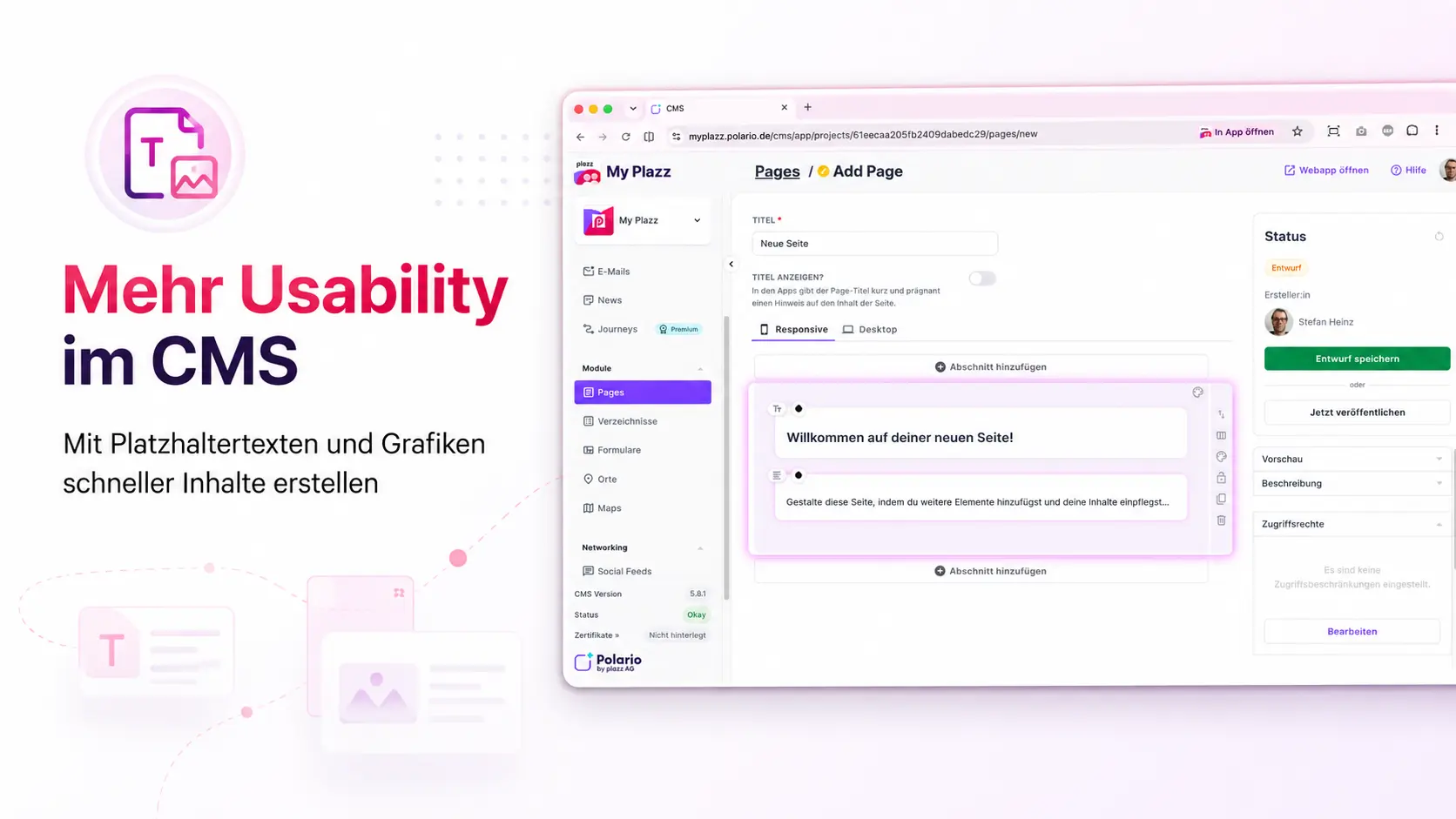
Until now, many configuration tasks in the CMS have started with blank forms and repetitive manual entries. With Update 5.8, various fields are now pre-populated with useful default values.
New menu items are automatically assigned a suitable default name. When creating directory and profile fields, field names are suggested that match the selected field type. New pages and news articles start with pre-prepared content blocks. Furthermore, existing push notifications, including their content, can be duplicated as templates.
These adjustments reduce the amount of manual work involved in content maintenance and, in particular, speed up the set-up of new projects.
Bug fixes & improvements
- Improvements to import details and import overviews
- Group IDs available in the account export
- Revised layout for keyword management
- Improved calendar processing for greater stability
- Support for larger preview images in social media feeds
- Default fallback language set to en-US
- Improvements to password rules and localisation
- Support for certificate-based SSO methods
- Revised password reset process
- Revised account and settings view
- Updated MyCalendar display