Surveys Feature

Get feedback.
Share results live.

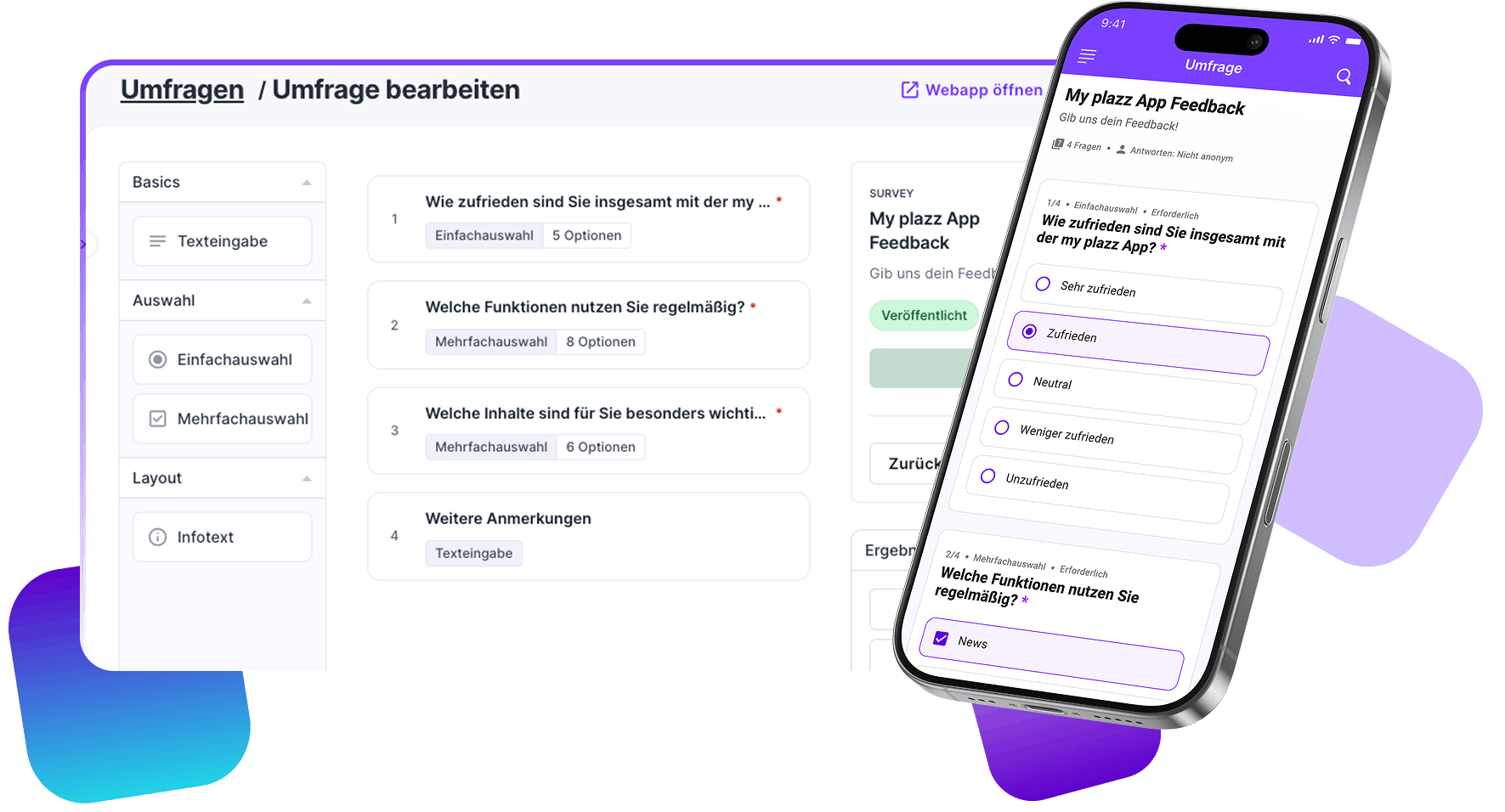
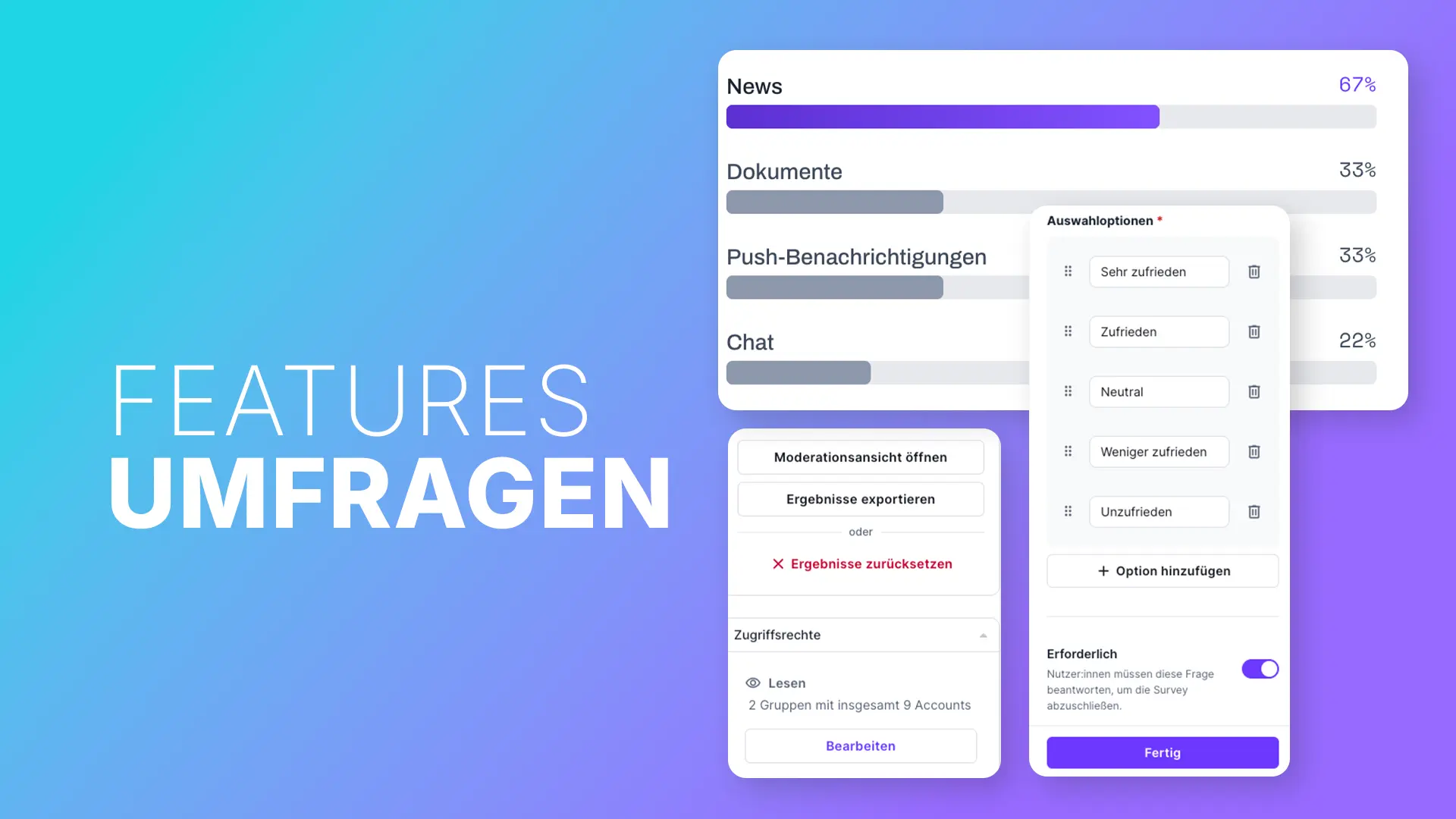
Create surveys directly in the Polario CMS, publish them in your app, and present the results live to your audience if you wish.

Feedback Becomes Guidance

Ask your questions exactly when the topic is relevant.

Surveys bring together feedback, voting, and analysis on the platform where your target audience is already active.

Collect Feedback Directly

Gather feedback on sessions, content, or offerings without switching to an external survey tool.

Making Moods Visible

Use short multiple-choice questions or open-ended text fields to gather feedback from events, teams, and communities.

Embed live results

Release results in a controlled manner to your audience and address the prevailing sentiment directly within the program.

Creation and Publication

From the question to the analyzable result.

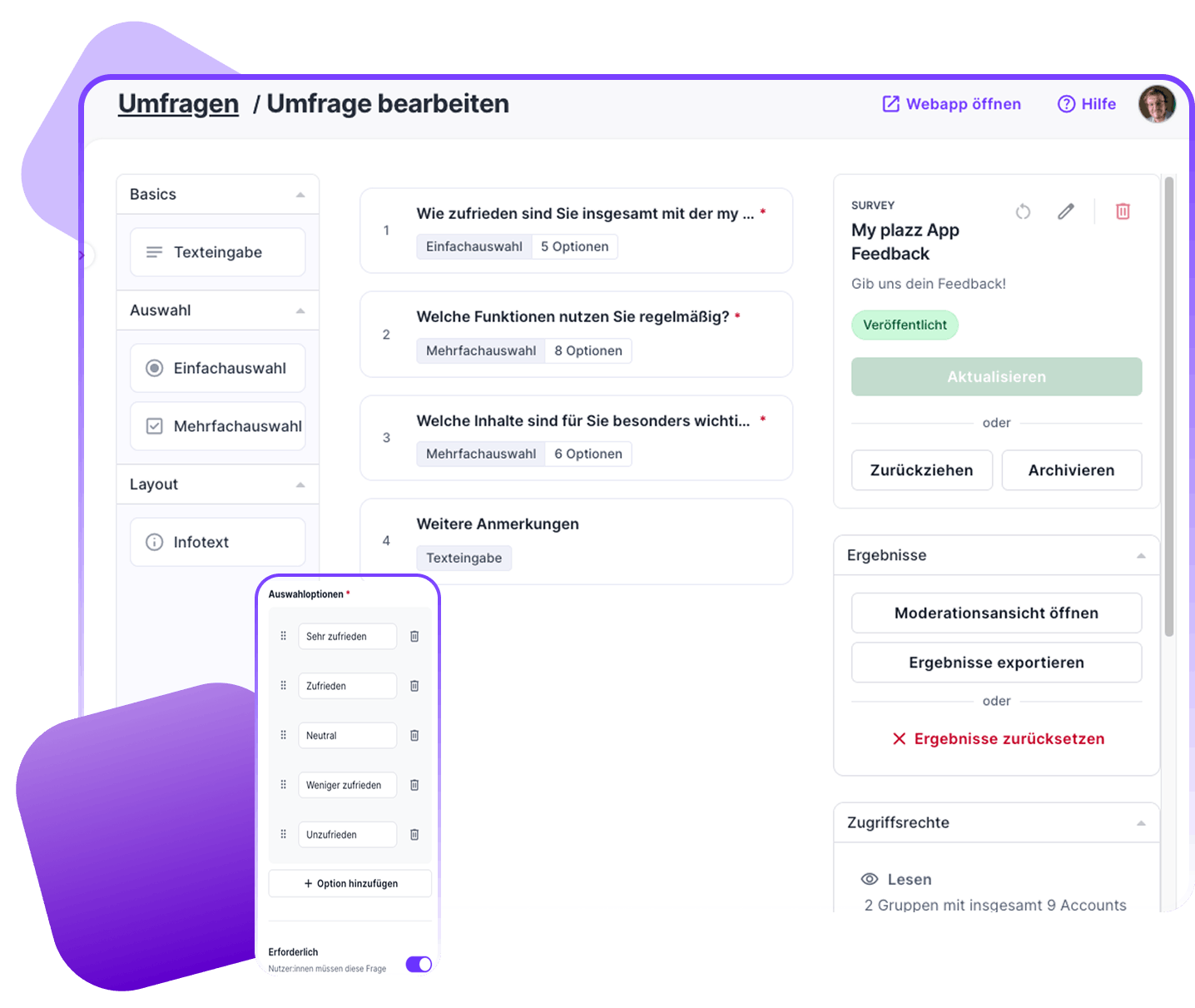
CMS administrators configure the survey centrally. Participants respond via the app, while results are processed in the CMS or presented live.

1

Create Questions
Select from a list or enter free text

2

Set Participation
One-time or multiple times

3

Publish
In the app and web app

4

Use Results
CSV or Live View

Single Selection
Select one answer option.

Multiple Selection
Allow multiple answers.

Free-form text
Record open-ended feedback.

Required Fields
Ensure that important questions are answered.

Sample Configuration

One format. Three perspectives.

Combine question types based on what you want to learn, and make it as easy as possible for participants to take part.

Single Selection

Which topic should we explore in more depth next?

Multiple selection

What content did you find particularly relevant?

Free-form text

What should we do better at our next appointment?

Live-Moderation

The sentiment becomes part of the moment.

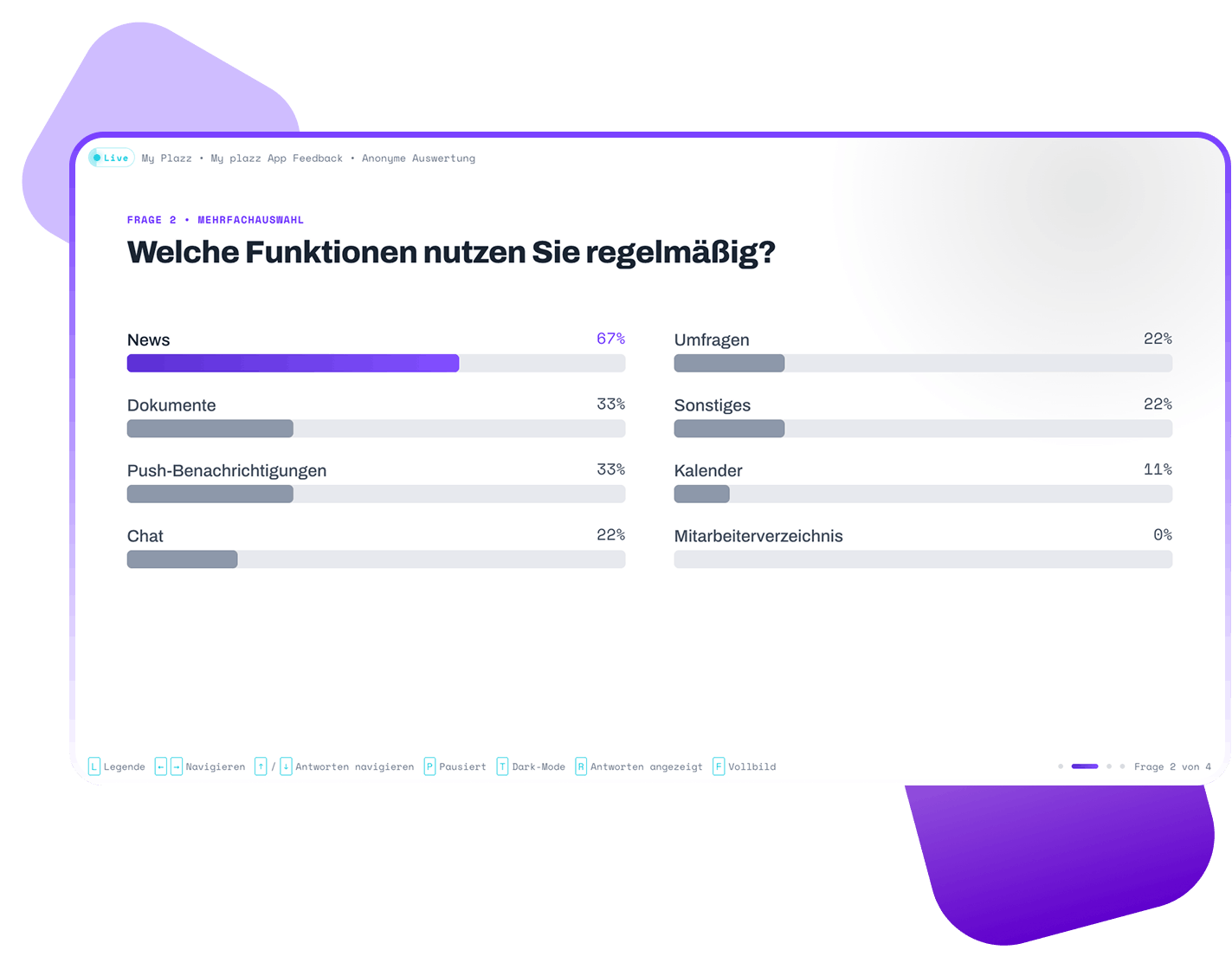
Launch full-screen view directly from the CMS and present survey results in person or digitally.

  • Moderated release: Results remain hidden until the moderator displays them.
  • Continuously updated: New answers are added directly to the results page.
  • Appropriate display: Project branding, light or dark mode, and CMS language are applied.
  • Flexible workflow: Live updates can be paused as needed.

One feature. Different formats.

Use surveys where participation makes a difference.

Town-Hall

Actively Engage the Audience

During a town hall meeting, employees vote on the topic for the next session. The moderator then displays the results on the screen.

Vote → View the results live

Conference

Capturing Feedback at the Right Moment

Participants rate a session directly in the event app. The organizing team later exports the feedback as a CSV file.

Experience the session → Provide feedback

Community

Prioritize upcoming topics together

Members choose which topics they would like to explore in greater depth in upcoming digital formats. This provides the editorial team with a clear basis for planning.

Identify interests → Plan content

Premium Feature

Seamlessly integrated
into Polario.

The feature is activated directly within your existing Polario project and managed in the CMS. No additional survey platform is required.

Frequently asked questions (FAQ)

What You Should Know Before Use.

Surveys are a structured method for gathering people’s opinions, feedback, or preferences. They consist of one or more questions with predefined answer options or open-ended text fields.

Digital surveys are useful, for example, for gathering event feedback, gauging internal sentiment, conducting topic polls, and collecting feedback from a community. They help ensure that responses are collected in a standardized manner and can then be analyzed.
A survey can be used over an extended period of time to gather feedback and collect data. Live voting is an interactive survey format in which participants can cast their votes during an event or broadcast, and the results can be presented immediately.

With an integrated app survey, participants remain in their familiar digital environment. Survey creation, participation, and analysis are consolidated in one place, eliminating the need for an additional survey tool and a separate administration interface.

You can create questions as single-choice, multiple-choice, or open-ended questions. Each question can optionally be designated as a required field.

In the CMS, you specify for each survey whether a person may participate once or multiple times. Submitted responses are final and cannot be edited afterward.
Results can be exported from the CMS as a CSV file. For events, town halls, and other live formats, the moderator view is also available.
Surveys can be linked via the menu and in other locations where Polario supports internal links. It is currently not possible to display them directly as a widget on Pages.
No. Surveys are a premium feature and are enabled for each Polario project.

Ready for direct feedback?

Experience surveys right in Polario.

We’ll show you how to implement feedback formats and live voting in your Polario project.

Discover more features

Surveys Feature

Create surveys and live polls directly in Polario. Collect feedback via the app or the web, and present the results live if desired.
Read ->
Gamification Feature

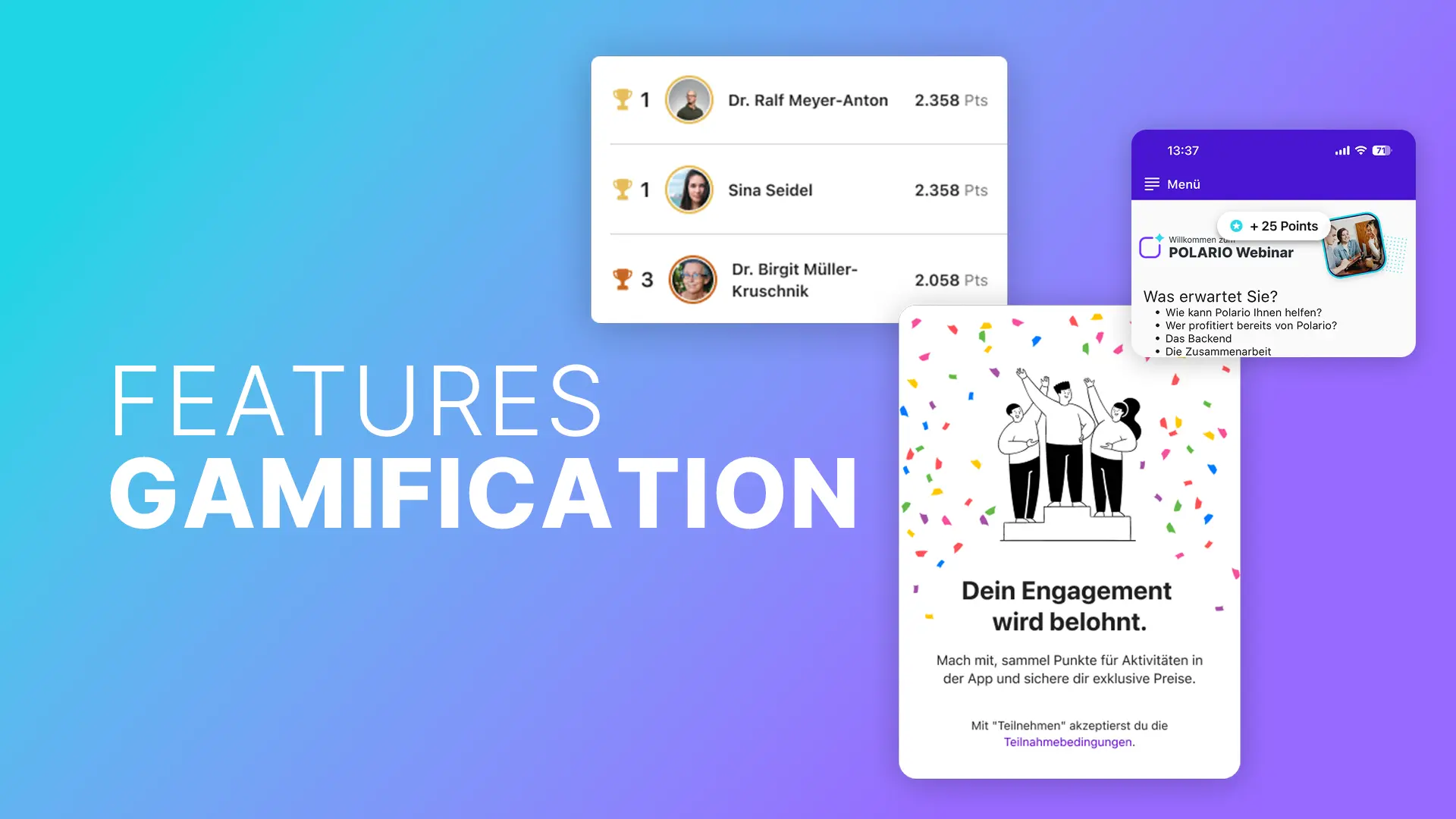
With Polario’s gamification feature, you can reward specific actions, encourage active use of the app and provide extra motivation through points and leaderboards.

Read ->
Polario Feature My Calender
My Calender Feature

My Calendar brings together appointments, bookings and enquiries in a single overview. Stay focused and manage everything in one place.

Read ->
Surveys Feature

Create surveys and live polls directly in Polario. Collect feedback via the app or the web, and present the results live if desired.

Read ->
Gamification Feature

With Polario’s gamification feature, you can reward specific actions, encourage active use of the app and provide extra motivation through points and leaderboards.

Read ->

Didn't find what you were looking for?

Drop us a quick note telling us what you’re planning.
We’ll get back to you straight away with more details!