With the enhancements from Polario Updates 5.4 and 5.5, Journeys have evolved significantly. What used to be primarily a guided sequence of steps is now a powerful Journey feature for controlling processes, communication and user experiences. Journeys combine content, tasks and automation into clearly structured workflows that are transparent for administrators and understandable for users.
Polario Update 5.5
Polario Update 5.5 brings new insights into the Journey module – Journey Analytics, automatic notifications and extended access controls.
Polario Update 5.4
Polario Update 5.4 introduces Journeys: time-controlled content, automated onboarding and structured checklists as a premium feature.
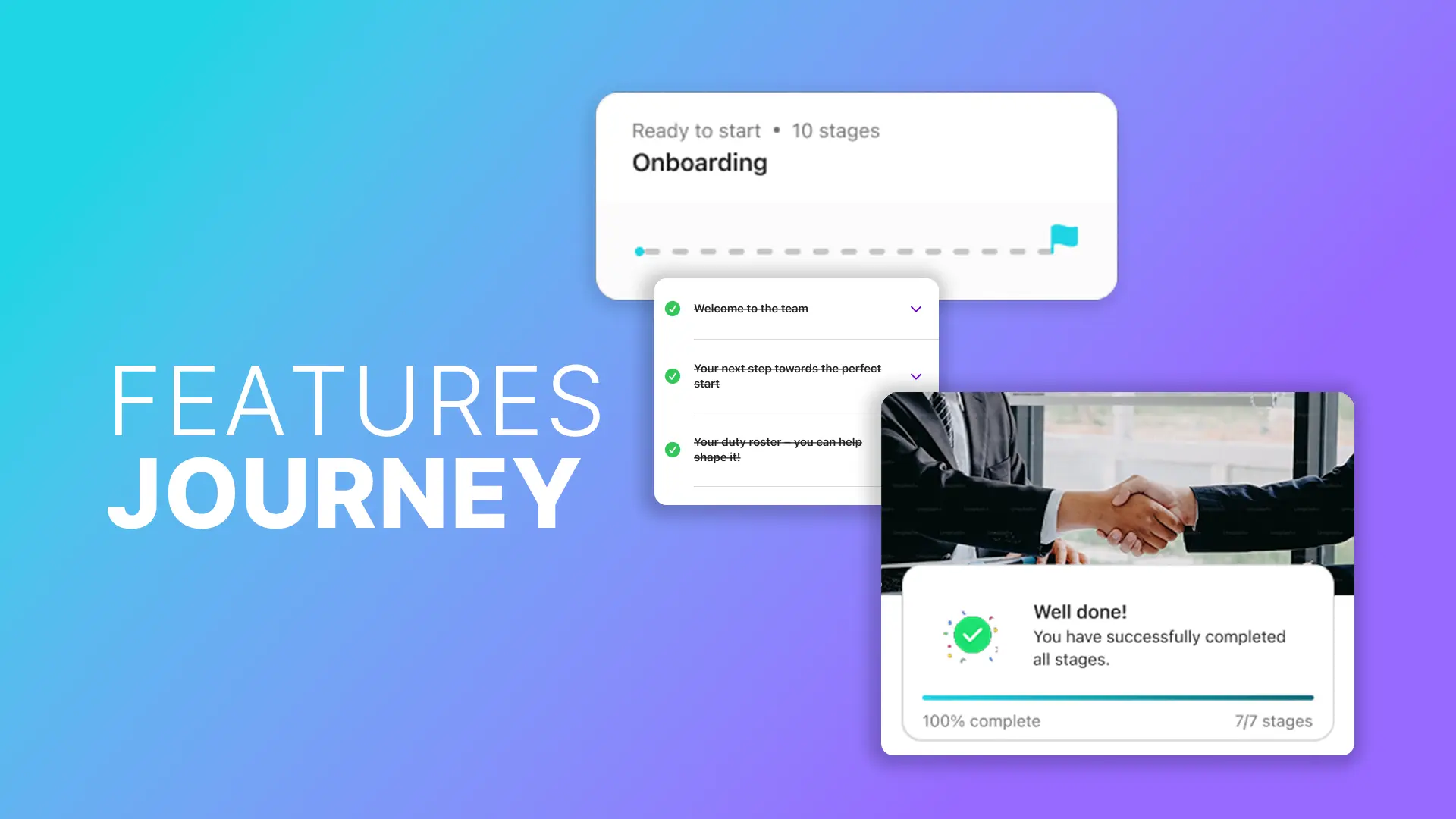
Journeys demonstrate their added value particularly in scenarios involving many participants, dependencies and recurring tasks. They reduce complexity, provide orientation and make progress traceable at all times. The following application examples show how journeys are used in practice and which specific problems they solve.
Journey Feature
Journeys enable time-controlled content, checklists and automated processes for onboarding, events and training in a centralised app.
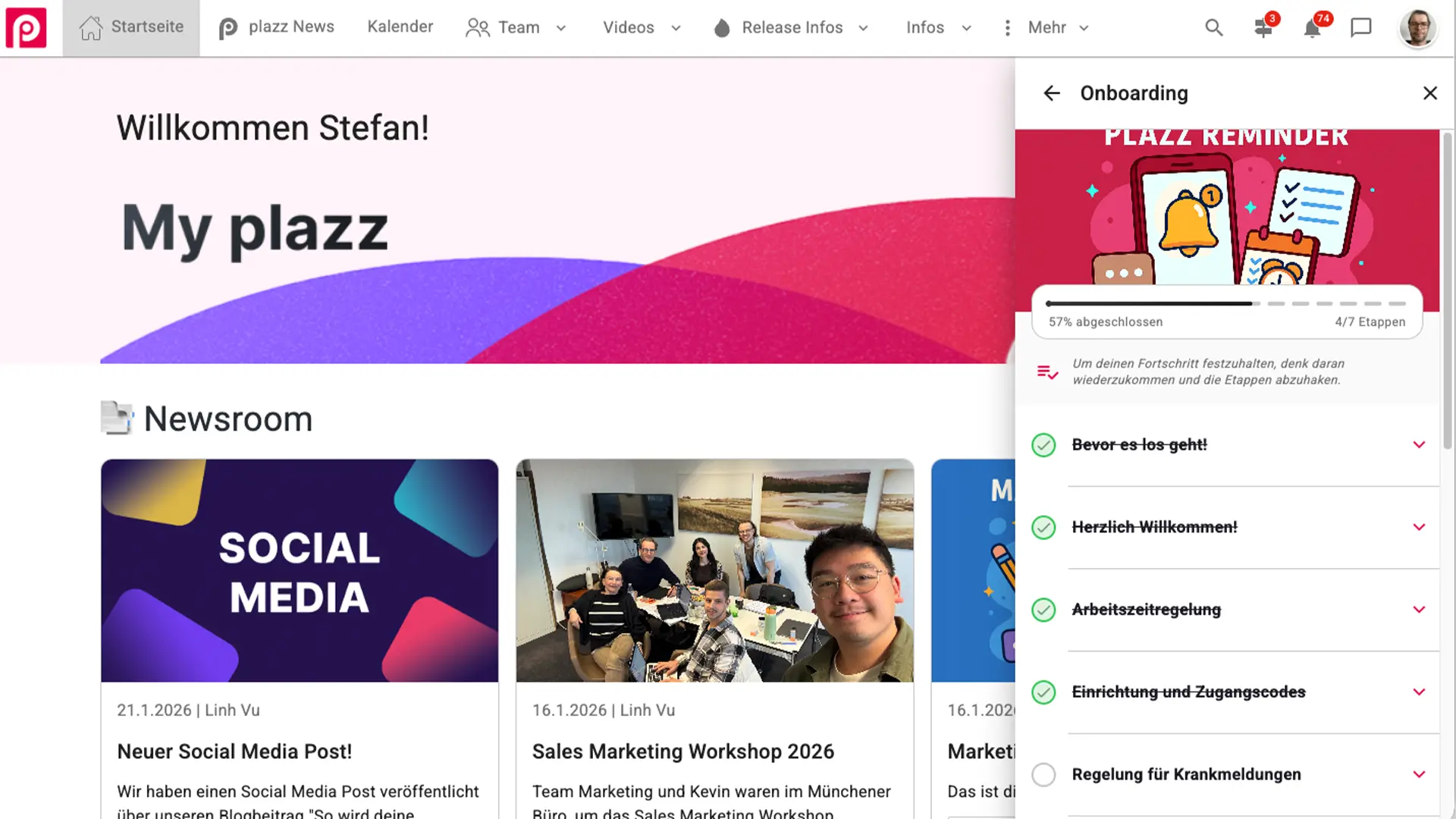
Onboarding with journeys: structure instead of individual measures
The onboarding of new employees is often characterised by media discontinuity. Information is sent by email, documents are stored in different locations, and it is easy to lose track of progress. Journeys create a consistent structure here.
New employees are assigned a suitable journey depending on their role, department or location. Content and tasks are unlocked in a logical order and cannot be skipped if they are defined as mandatory. This ensures that key topics such as data protection, occupational safety and internal guidelines are actually addressed.
This creates complete transparency for HR teams. The CMS shows at any time how far individual persons have progressed, which steps have been completed and where there are delays. This reduces queries, increases commitment and ensures a consistent onboarding experience, regardless of whether employees start on-site or remotely.
Onboarding App
Build and strengthen the attachment of new employees to your company with an onboarding app.
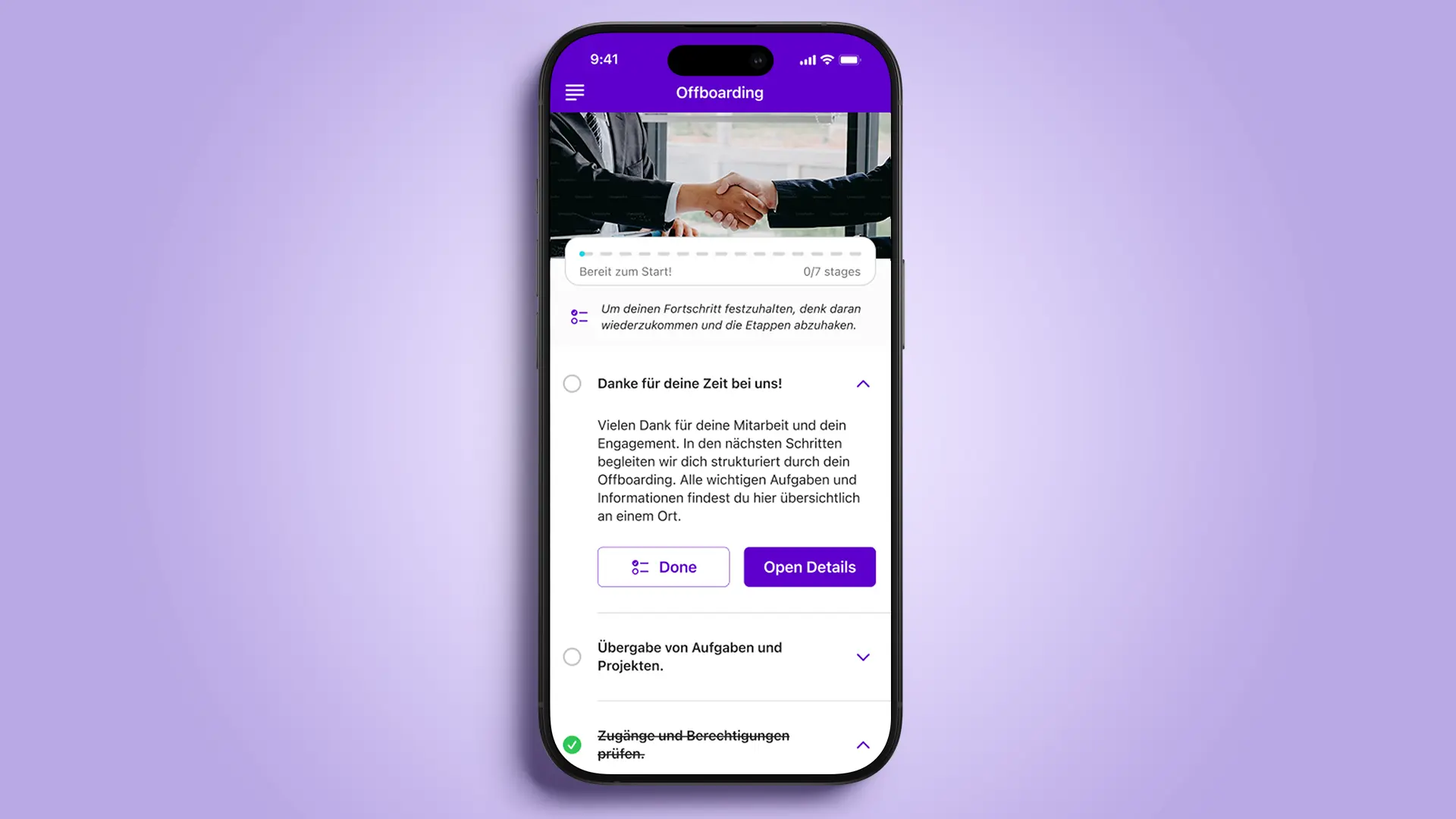
Implementing offboarding in a transparent manner with Journeys
While onboarding is often well organised, offboarding remains fragmented in many organisations. Journeys help to map this sensitive process in a clear, comprehensive and comprehensible manner.
All relevant steps, from returning equipment and access regulations to exit information, are provided in a structured manner. Mandatory stages ensure that critical tasks are not forgotten. At the same time, the system documents progress automatically and transparently.
HR and IT teams benefit from greater security and less coordination effort. For departing employees, this creates a clear, fair process that provides guidance and conveys professionalism.
Speaker Journeys: Clarity in complex event processes
In event and conference scenarios, speakers are often involved in several parallel processes. Biographies must be submitted, presentations checked, technical tests carried out and rehearsals coordinated. Without clear leadership, coordination efforts can quickly become overwhelming.
Journeys allow these steps to be combined into a continuous process. Speakers can see at any time which tasks are currently relevant and which are coming up next. New stages are automatically unlocked and communicated as soon as the appropriate time has been reached.
In combination with appointments and locations, technical checks or rehearsals can be scheduled with binding commitments, including physical or virtual locations. Event teams receive a central overview of the preparation status of all speakers, which is a decisive advantage for larger events with many parallel contributions.
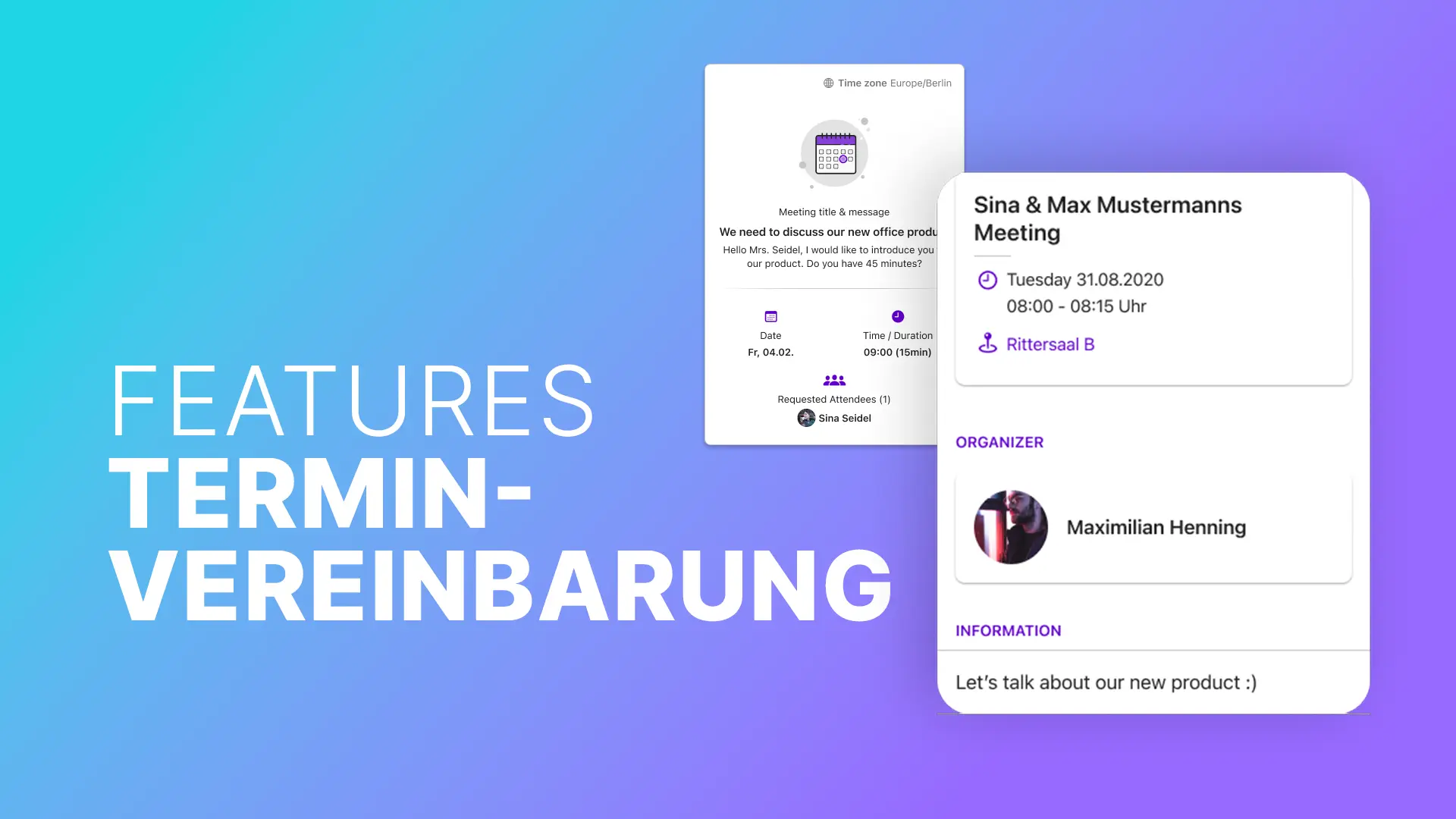
Appointment scheduling feature
Polario makes scheduling appointments easy: centrally manage slots and plan meetings efficiently – for events, teams, communities and real encounters.
Supporting mentoring programmes with Journeys in a meaningful way
Mentoring thrives on personal exchange, but requires a clear framework in order to be effective in the long term. Journeys offer guidance without overly regulating the process.
Mentors and mentees go through jointly defined stages, such as kick-off meetings, reflection tasks or feedback phases. Shared journeys allow steps to be integrated that must be confirmed by another person. For example, a section is only considered complete once a meeting has been held or feedback has been documented.
Programme managers can see progress for the first time. They can identify which tandems are active, where processes are stalling, and where targeted support is needed, without having to be involved in every exchange themselves.
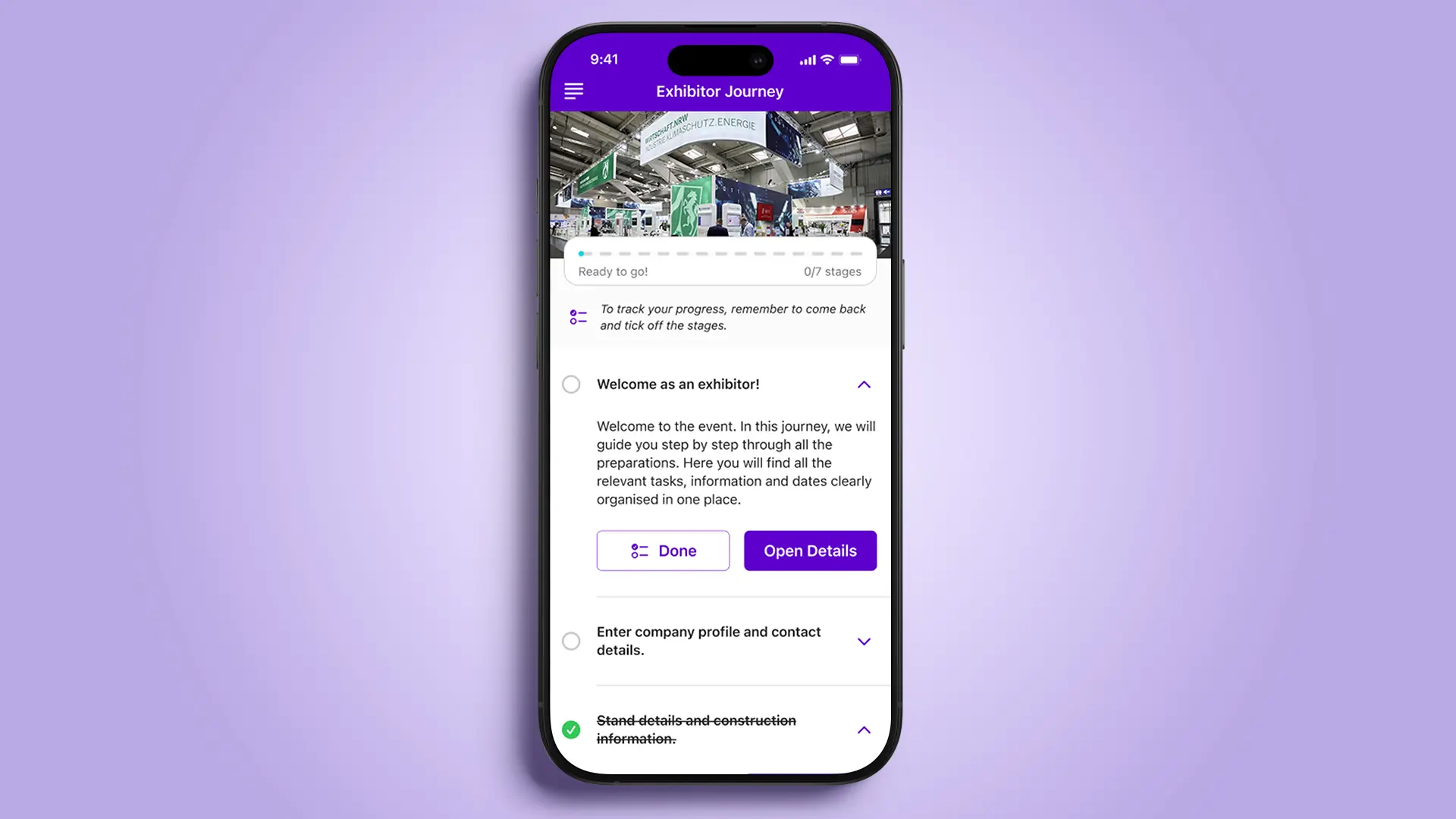
Exhibitor Journeys: Clarity for external target groups
At trade fairs and conferences in particular, organisers work with many external exhibitors, often with very different requirements. Journeys create a uniform structure here without obscuring individual characteristics.
Exhibitors receive a clearly structured sequence of tasks, from stand construction and technical specifications to scheduling appointments. Automatic notifications ensure that no important steps are overlooked. Organisers can see at a glance which exhibitors are fully prepared and where action is still needed.
The result is more efficient collaboration, fewer queries and a more professional overall experience for everyone involved.
Journeys as a strategic feature for digital processes
The strength of the Journey feature lies not in individual functions, but in their combination. Event-based triggers, automatic status logic, mandatory steps and differentiated user assignments make the Journey feature a strategic tool for digital processes.
Instead of sending information multiple times or following up manually, processes are clearly defined once and then controlled automatically. Content is visible at the right time, tasks are completed reliably, and those responsible maintain an overview at all times.
Conclusion
With the enhancements from updates 5.4 and 5.5, journeys are becoming a central component of modern platforms. Whether for internal processes, event organisation or programmes with external participants, journeys help to reduce complexity and improve processes in the long term.
They provide clarity for users, transparency for administrators and the basis for scalable, repeatable processes. This makes the Journey feature a real added value for organisations that want to map their communication and processes professionally in digital form.
Frequently asked questions (FAQ)
What are journeys in a business context?
Journeys are structured, digital processes that combine content, tasks and automation. They guide users step by step through defined processes.
What is the Journey feature particularly suitable for?
The Journey feature is suitable for complex processes involving multiple participants, clear dependencies and recurring tasks, such as onboarding, offboarding or event organisation.
How do journeys support onboarding?
Journeys ensure that new employees receive all relevant content in the correct order. Progress is transparently traceable and mandatory steps can be defined.
Can Journeys also be used for events?
Yes. Journeys structure speaker schedules, exhibitor preparation and organisational tasks. Event teams maintain an overview of the status of all participants at all times.
What advantages do Journeys offer administrators?
Administrators gain full transparency regarding progress, status and potential delays. Processes can be defined centrally and controlled automatically.
Are journeys also suitable for external target groups?
Yes. Exhibitors, speakers and partners can also be guided through structured processes. This reduces coordination efforts and increases professionalism.
How do journeys contribute to process automation?
Automatic assignment, triggers, status logic and mandatory steps standardise processes and significantly reduce manual tracking.